QR Codes for Small Business: Get More Reviews, Followers & WhatsApp Chats
The three QR codes every shop, clinic and café should have — how to make them free, design them and place them.
 Nancy Dahiya6 min read
Your customers already know how to scan QR codes.
They do it every day to pay with UPI.
So why not use that same habit to get more reviews, more WhatsApp chats and more followers?
In this guide, you'll learn which QR codes every small business should have, how to make them for free, and where to put them so people actually scan.
What Is a QR Code?
A QR code is a square barcode that opens a link when someone scans it with their phone camera.
(The QR code was invented by DENSO WAVE — and it's free for anyone to use.)
For a business, a QR code turns an offline moment — someone standing at your counter — into an online action.
The 3 QR Codes Every Small Business Should Have
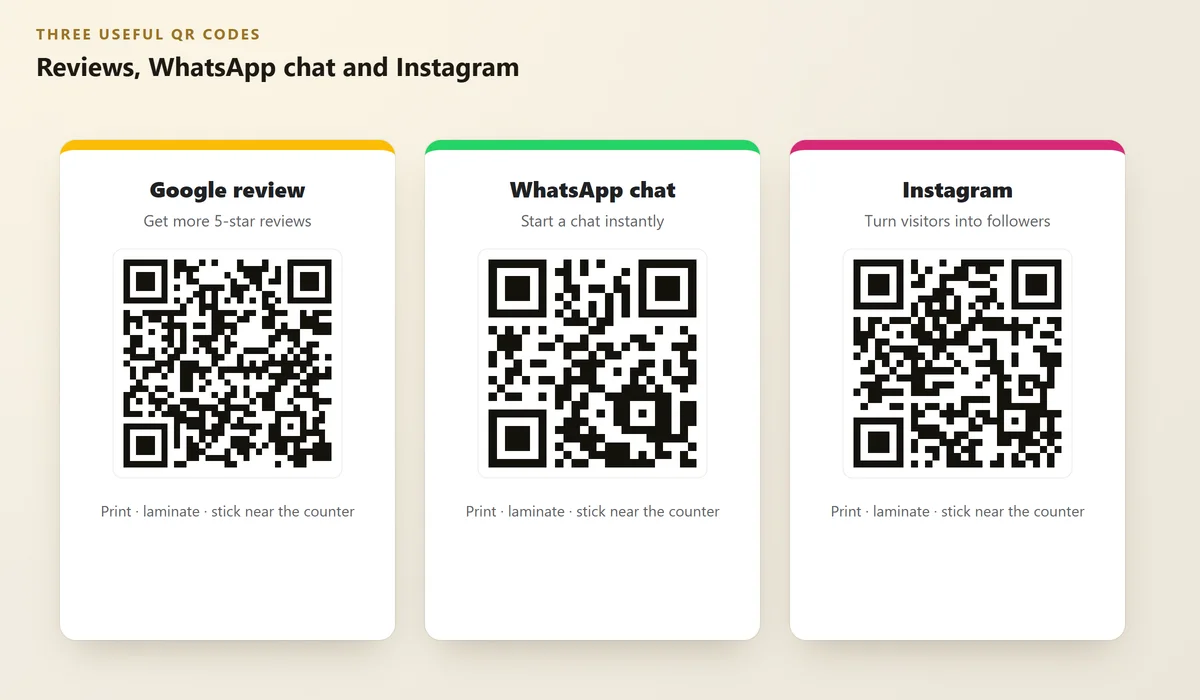 Illustration
1. Google review QR code
This is the most valuable one. It takes customers straight to the review box on your Google profile.
Open your Business Profile, find "Ask for reviews" (or "Get more reviews"), and copy your review link. Google explains this in Tips to get more reviews.
New to reviews? Read How to Get More Google Reviews and How to Reply to Google Reviews.
2. WhatsApp chat QR code
Let customers start a chat with you in one scan — perfect for bookings, catalogues and follow-ups.
Your WhatsApp link is wa.me/91XXXXXXXXXX. In the WhatsApp Business app, you can also find a ready QR code under your business tools. Set up the app first with our WhatsApp Business guide.
3. Instagram QR code
Instagram has a built-in QR code in your profile menu. Customers scan it and land on your profile — ready to follow.
Step #1: Make Your QR Code (Free)
- Copy the link you want (review link, wa.me link or Instagram profile link)
- Use a free QR generator or a design tool like Canva to turn it into a QR code
- Download it as a high-quality image (PNG or SVG)
- Scan it yourself with 2 different phones before printing
Some free QR websites create codes that stop working after a trial, or show ads first. Use a generator that makes a static code pointing directly to your link — or use the QR that Google, WhatsApp or Instagram gives you.
Step #2: Design a Stand People Actually Scan
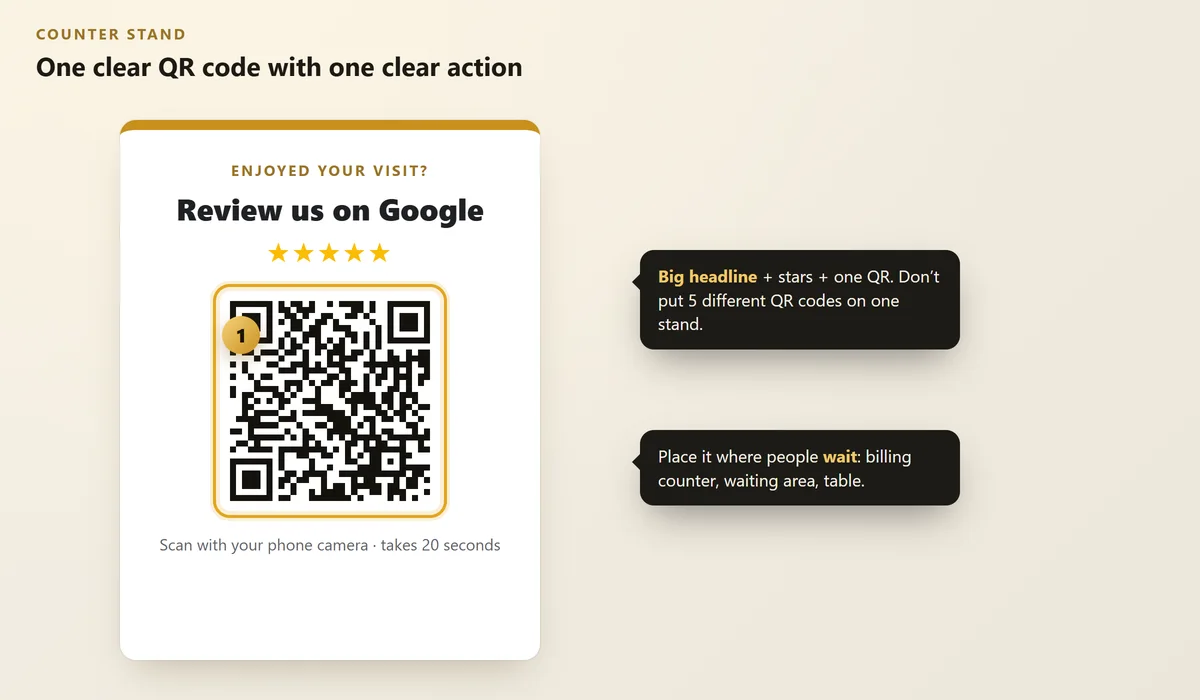 Illustration
- One QR per stand. Five codes on one card = confusion.
- Big headline that says what happens: "Review us on Google", "Chat on WhatsApp".
- Size: make the QR at least the size of a credit card so it scans easily.
- Contrast: dark code on a light background works best.
- Laminate it so it doesn't get dirty or torn.
Step #3: Place It Where People Wait
People scan when they have a few free seconds. Good spots:
Business | Best place for the QR code |
|---|---|
Clinic / hospital | Waiting area and reception counter |
Café / restaurant | On the table and with the bill |
Salon / gym | Mirror station and reception |
Coaching centre | Notice board and fee counter |
Shop | Next to the UPI payment QR |
Also add the QR to your visiting cards, bills, delivery bags and shop window.
Step #4: Ask at the Right Moment
A QR code works best with a friendly one-line ask — right after a good experience:
Never offer discounts or gifts in exchange for reviews — it's against Google's rules. Just ask kindly.
FAQs
Are QR codes free to make?
Yes. Many tools make static QR codes for free, and Google, WhatsApp and Instagram also give you ready-made links or codes.
Do QR codes expire?
Static QR codes don't expire — they keep working as long as the link works. Some "dynamic" QR services can stop working if you don't pay, so be careful which service you use.
Can I put my UPI QR and review QR together?
Keep them on separate, clearly labelled cards. Customers should never be confused about which code is for payment.
How big should a printed QR code be?
Around 3 cm or more for cards, and bigger (like 8–10 cm) for counter stands and posters that people scan from a distance.
Is it okay to give a discount for a Google review?
No. Offering rewards for reviews breaks Google's policies. Ask every happy customer politely instead.
Final Thoughts
A ₹20 laminated QR card can bring you reviews, chats and followers every single day.
Make your three codes today, test them, and put them where your customers wait.
Want a review system set up for you?
We set up review links, QR stands and WhatsApp follow-ups for small businesses.
Written by Nancy Dahiya
Nancy is the founder of Pehchaan Digital. She helps hospitals, coaching institutes, hotels and local businesses get found online — and writes these guides in plain language so owners can see what actually works.
Keep reading
All guides → Digital Marketing
WhatsApp Business Setup Guide for Small Businesses (2026)
Set up your business profile, catalog, greeting and away messages, quick replies and labels in about 30 minutes.
 Digital Marketing
How to Turn Instagram Followers Into Paying Customers
Likes don't pay bills. Here's how local businesses can turn Instagram attention into real enquiries and bookings.
 Websites
How to Check Your Website Speed (and Fix the 5 Biggest Problems)
Test your site free with PageSpeed Insights, understand LCP, INP and CLS in plain words, and fix what slows you down.